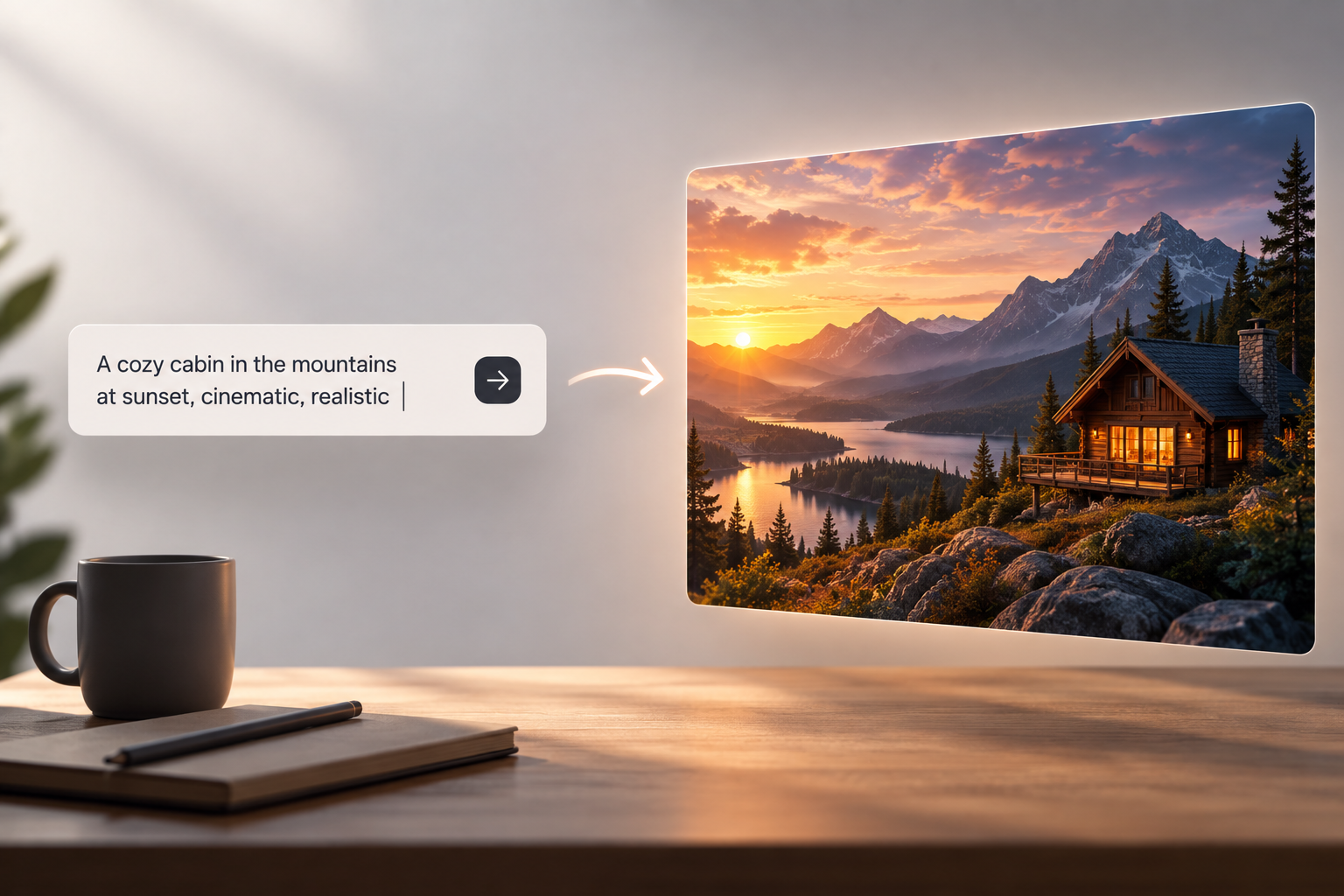
Let’s be honest. AI has totally flipped how digital images get made. Created, edited, polished, all of it. You don’t have to lean only on old-school design software anymore. Nope. Just describe your idea in plain words. And a few seconds later? You’ve got a visual take on it. Pretty wild, right? That shift has opened up image generation to way more people. Students. Content creators. Designers. Marketers. Regular everyday users, too.
One big development here? The growing family of Nano Banana image-generation tech. These systems mix natural-language understanding with image creation and editing. So you can work with written prompts. And with images you already have. Here’s the deal. If you’re digging into this tech, Nano Banana 2.5 is part of the bigger conversation. Around newer AI-powered visual tools.
What Is Nano Banana Technology?
So what’s Nano Banana, really? It’s a name tied to Google’s Gemini image-generation models. The original Nano Banana was built on Gemini 2.5 Flash Image. It launched as a model that could both generate and edit images. It took text and image inputs, too. So you could just describe a change. Instead of doing every editing step yourself.
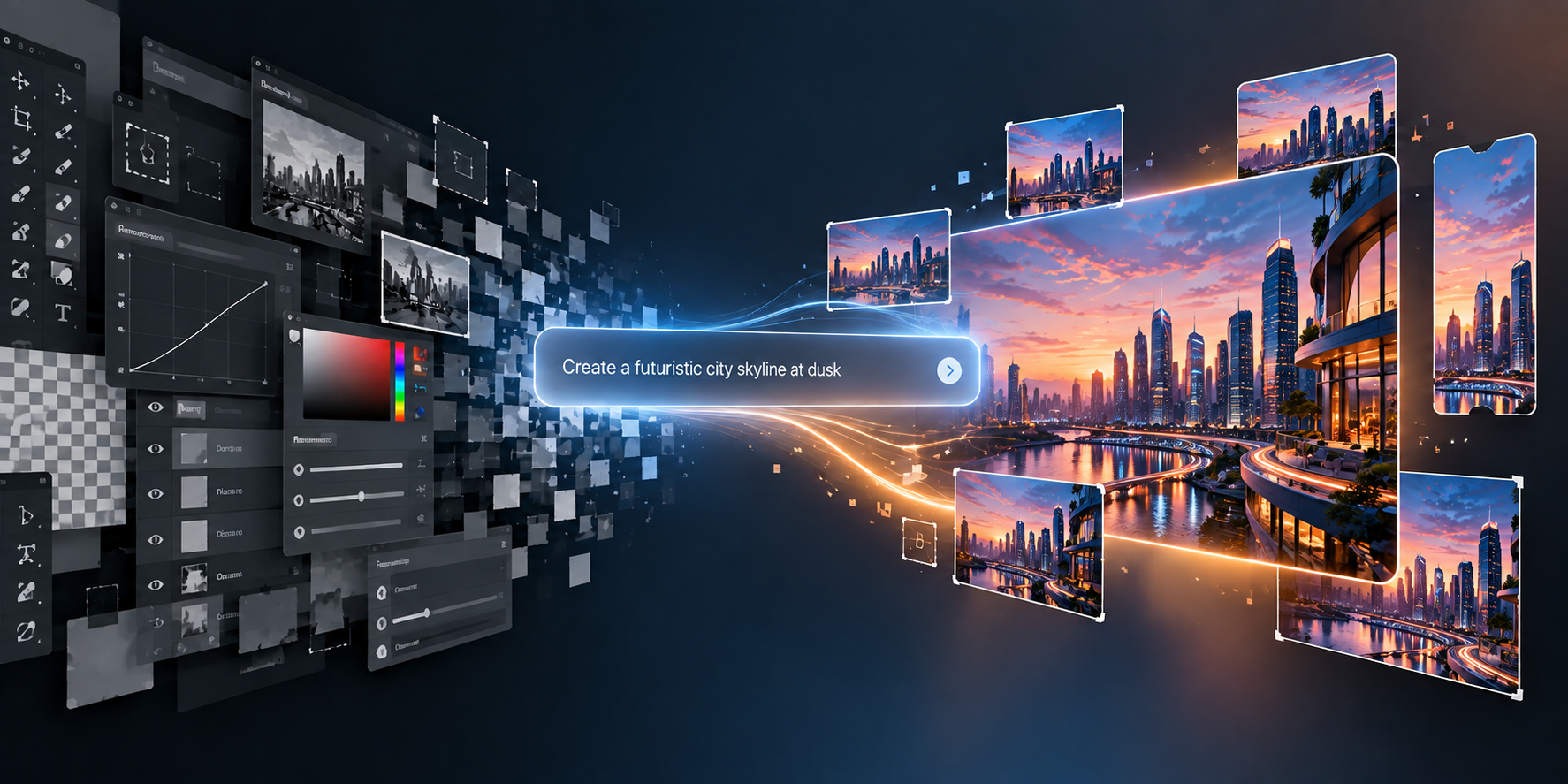
This tech is a pretty big shift in how people use creative software. Traditional editing usually means knowing your stuff. Tools, layers, selections, masks. Other controls, too. Exhausting. Generative systems? You just say what result you want. In plain language.
Picture this. You upload a photo. Then you ask the AI to change the background. Fix the lighting. Or drop the subject into a totally different setting. The model reads your instruction. And cranks out an updated image. Easy.
How AI Image Generation Works
At a basic level, text-to-image systems turn descriptions into visuals. Your prompt can cover the subject. The environment. Lighting, composition, perspective. Colors. And the art direction you’re after.
Modern systems go way beyond simple keyword matching, though. They use big multimodal models. Ones that understand how words connect to visual elements. So you can give more detailed instructions. And polish an image over several rounds.
How good the result turns out? That depends partly on your prompt. Something vague like “create a city” leaves tons of creative decisions to the model. Not much to work with, right? A more specific description changes everything. Time of day. Camera angle. Architecture. Weather. Atmosphere. And the style you want.
Image Editing Through Natural Language
One of the coolest developments? Conversational image editing. No need to rebuild an image from scratch. Just hand over a picture you’ve got. Then describe what you want changed.
Nano Banana’s underlying tech was built for targeted changes. And for mixing multiple images together. Google has also pointed out a couple of standout tricks. Keeping characters consistent. And blending several reference images into one composition.
This is super handy for creative experimenting. A photographer could try out different backgrounds. An illustrator could test new environments for the same character. Someone prepping a presentation could whip up several versions of an illustration. Without rebuilding each one by hand. Nice, right?
Consistency Matters in AI-Generated Images
One long-running headache with AI images? Consistency. When you regenerate an image, important stuff can shift. A character’s look. Their clothing. Objects. Proportions. Sneaky, right?
Newer image models are built to fix this. Google says Nano Banana 2 can keep multiple characters looking like themselves. And hang on to loads of objects throughout a workflow. That’s a big deal for storyboards. Sequential illustrations. And any project where the same visuals keep showing up.
But consistency doesn’t mean every generation comes out identical. Not even close. AI images can still throw in surprise changes. So checking every output still matters. Don’t just trust it and move on.
Text Inside Generated Images
Another area that’s getting better? Readable text inside images. Older image generators were pretty bad at it. Spelling, lettering, layout, all over the place. That made AI posters, diagrams, signs, or presentation graphics a pain to use. Without extra editing, anyway.
Nano Banana 2 brought better text rendering. Plus localization features. According to Google, the model can create legible text. And translate or localize text inside an image, too.
That’s really useful in practice. Educational graphics. Multilingual designs. Diagrams. Mockups. Visual communication in general. But still check generated text carefully, though. AI can slip up. Those sneaky little typos love hiding in there.
Resolution and Aspect Ratios
Modern visual workflows need all kinds of image sizes. A social media post. A mobile-screen graphic. A presentation slide. A website banner. They might all need different proportions. Annoying, right?
Nano Banana 2 supports multiple aspect ratios and resolutions. From smaller outputs all the way up to higher-res images. Google says it covers everything from 512-pixel outputs to 4K generation. For the workflows where that applies.
That flexibility means way less manual cropping for different publishing spots. Still, think about composition when writing your original prompt. Trust me, it saves hassle later.
Responsible Use of Generative Images
AI image generation brings up some big questions, too. Copyright. Privacy. Authenticity. Misleading content. So before uploading photos or other reference stuff to an AI system, ask yourself something. Do you actually have permission to use them?
Check generated images before publishing, too. Especially when they show real people. Factual subjects. Products. Or important info. Here’s the thing. An image can look totally convincing. And still not show reality accurately. That’s where it gets shady.
AI-generated content can be great for creative work. But human judgment still matters a lot. For checking facts. Editing. And publishing responsibly.
The Future of AI Visual Creation
Nano Banana and similar image models show how fast things are moving. Toward conversational workflows. More and more, you just describe what you want. Instead of manually controlling every step of production.
As these systems keep improving, the line between generating and editing images will probably fade. One workflow might do it all. Create an image. Change its composition. Swap out individual objects. Translate its text. And spit out versions for different formats.
So this tech is way more than a faster way to make pictures. It’s part of a bigger shift. Toward creative software that actually understands plain-language instructions. And works right alongside you, like a teammate.