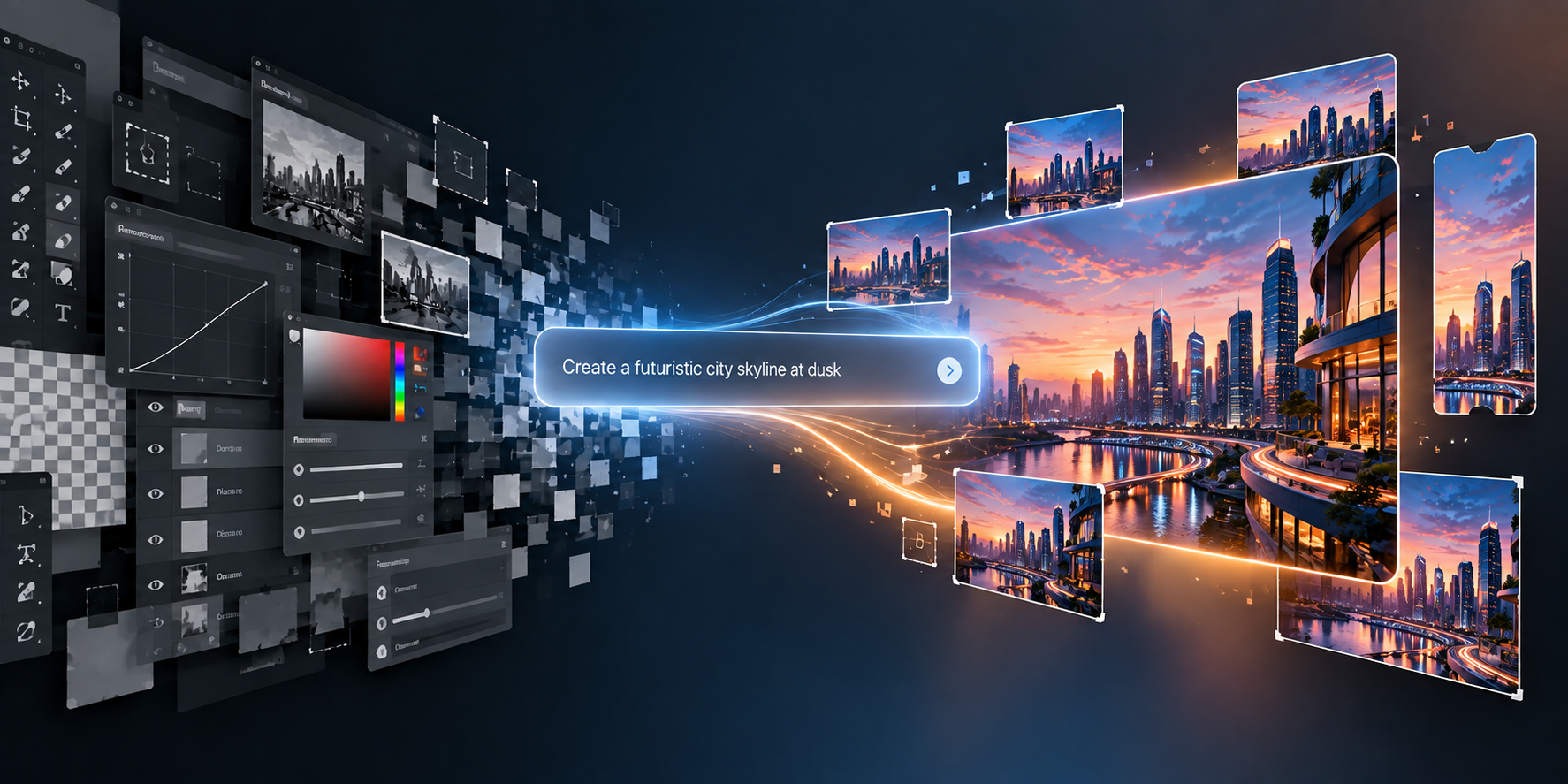
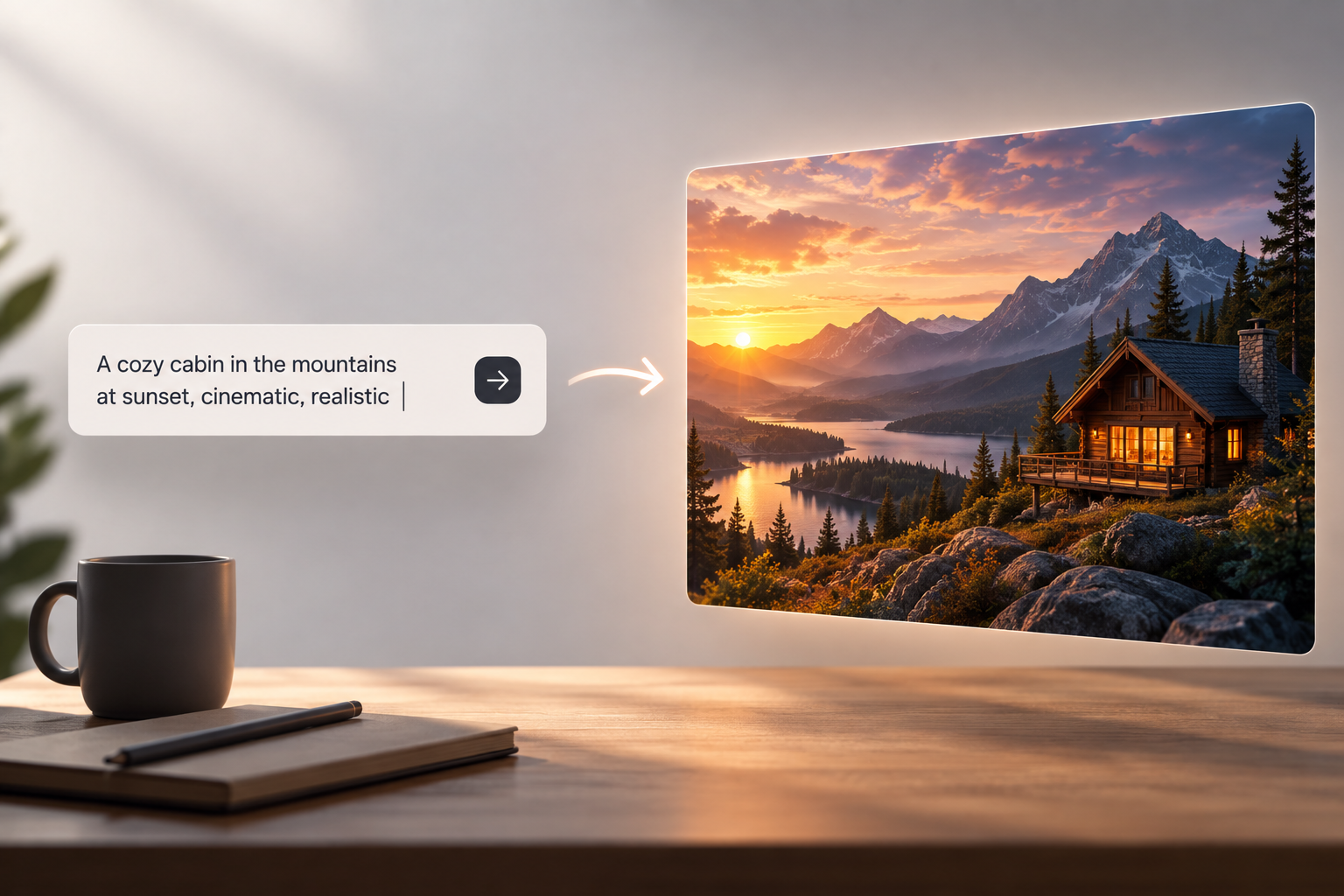
AI’s flipped how people make visual content. Photography gear, illustration skills, specialized design software — that used to be the entry price. Not anymore. Describe an idea in words, AI turns it into a visual. Designers, marketers, educators, content creators, anyone needing images without building every element by hand — genuinely useful for all of them.
What Is AI Image Generation?
Tech that creates visual content from whatever instructions you give it. Prompts, mostly — subjects, environments, artistic styles, lighting, colors, composition, whatever matters.
Trained on huge piles of visual and text data. Generation time, the model reads the relationship between words and visual concepts, tries matching the description. Simple as that, underneath the complexity.
Quality swings on a few things — which model’s running, how clear your prompt was, how complex the scene, how much control the tool actually gives you.
How a Free AI Image Generator Can Support Creative Work
A free AI image generator can make experimentation with text-to-image technology more accessible. No need dropping money on expensive software or equipment right away — just poke at how prompts affect the output, pick up the basics as you go.
Someone building a renewable energy presentation describes a futuristic solar-powered city. A student on a history project sketches out a historical scene through words instead of pen and paper. Writers use it to visualize fictional environments and characters while they’re still figuring out the concept.
“Free” doesn’t mean unlimited, though. Resolution caps, generation credits, editing limits, commercial-use restrictions, model access — platforms differ a lot here. Worth reading the terms before using anything professionally.
The Importance of Writing Better Prompts
Prompt writing’s honestly one of the biggest skills in this whole space. Short description, interesting result maybe. Structured prompt, way more control.
Name the subject first. Then setting, visual style, lighting, composition, whatever else matters. Not “a mountain landscape” — a snow-covered range at sunrise, viewed from a forest valley, soft atmospheric light, realistic photographic look. That’s a real prompt.
Pile on too many conflicting instructions, though, and the result gets unpredictable fast. Usually iterative, this whole thing — generate, spot what’s off, tweak the description, try again.
Understanding GPT Image 2.5
Newer models handle detailed instructions and complicated visual relationships a lot better now. GPT Image 2.5 a solid example of where this tech’s headed.
Real development area: reading natural-language instructions with actual contextual understanding. Not treating every word as some isolated keyword — trying to grasp how elements relate to each other.
Matters a lot when a prompt’s got multiple objects, specific positioning, a particular mood to nail. Still messes up sometimes, though. Small details, text inside images, proportions, hands, objects, complex interactions — doesn’t always land exactly right.
Common Uses of AI-Generated Images
Shows up everywhere, really. Teachers and students use generated illustrations to make abstract subjects click visually. Publishers develop preliminary artwork for articles, stories, digital content.
Businesses lean on it during concept development — a product team visualizing packaging before commissioning real photography or design work. Social creators grab generated backgrounds or conceptual illustrations while building out content.
Prototyping too. Designers run through several visual directions fast, without hand-building every version from scratch. References, mostly — not always the final asset.
AI Images and Human Creativity
Doesn’t erase human creativity, this tech. Produces output based on instructions, sure — but people still decide what to create, how to describe it, which results actually work, how it all fits into something bigger.
Editing still matters, too. Initial generation gives you a foundation. Designers adjust composition, typography, colors, proportions afterward. AI plus conventional tools — that’s the flexible setup that actually works.
Copyright, Accuracy, and Responsible Use
Legal and ethical questions worth taking seriously here. Rules shift between jurisdictions, keep evolving. Platform terms decide how generated content can actually get used.
Don’t present generated images as real photographs when that could mislead someone — that matters. For news, education, advertising, anywhere facts count, being upfront about synthetic imagery helps people understand exactly what they’re looking at.
The Future of Text-to-Image Technology
Heading toward more controllable, more accessible workflows. Future systems, probably tighter control over composition, character consistency, editing, image-to-image work, integration with other creative tools.
Real value isn’t generating as many images as possible, though. Understanding prompts, checking results carefully, respecting usage rights, keeping human judgment in the loop — that’s what actually produces something worth using.
As all this keeps evolving, text-to-image generation’s turning into just another standard piece of digital creativity. Expands what people can visualize. Creative direction and responsibility, though — that stays in human hands.